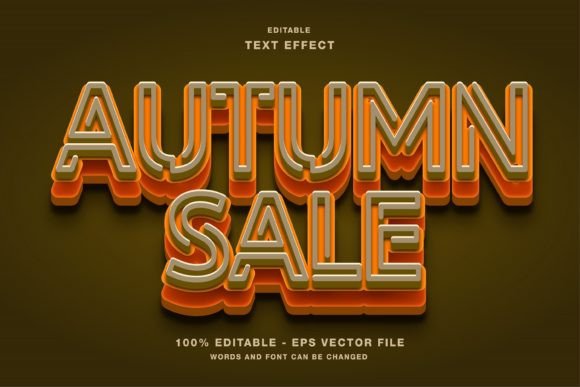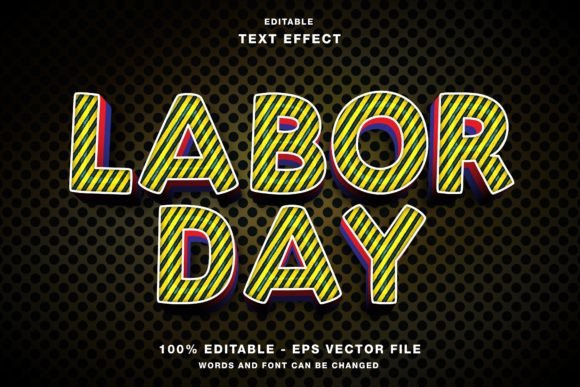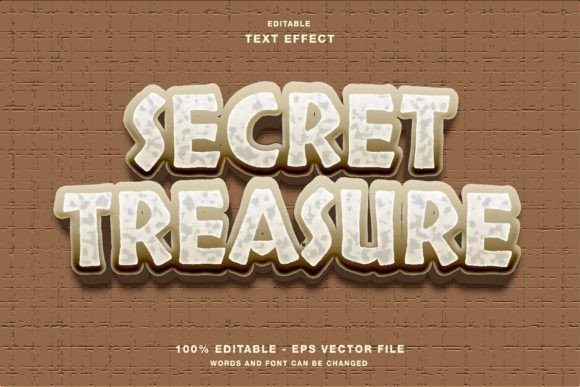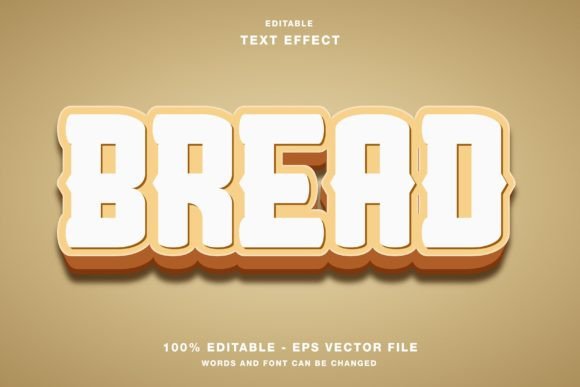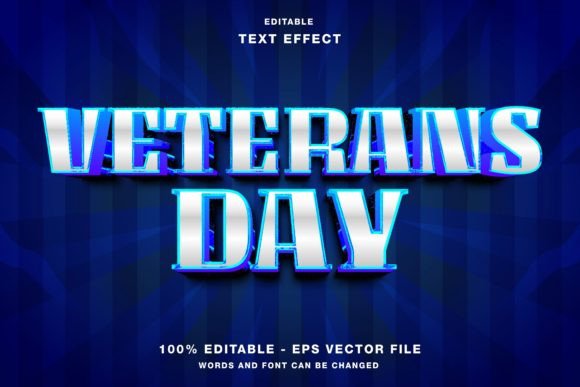
Veterans Day Editable Text Effect Guide
Honoring those who have served requires a balance of respect, clarity, and visual impact. Whether you are designing a social media post for a local nonprofit or creating a large-format poster for a community parade, the typography you choose sets the tone. The Veterans Day Editable Text Effect offers a streamlined solution for creators who need professional-grade design elements without spending hours on manual layering and styling. This resource is specifically crafted for Adobe Illustrator, providing a flexible foundation for digital and print projects alike.
At its core, this text effect is a pre-styled typographic asset. It comes with fully editable vectors, meaning every curve, shadow, and highlight can be adjusted to fit your specific brand or message. Because the files are provided in EPS and JPG formats within the main folder, compatibility is rarely an issue. The color mode is set to RGB, which makes it particularly effective for web designs, headline social media promotions on platforms like Instagram, Twitter, and Facebook, as well as digital publication promotions.
Why Designers and Marketers Choose Editable Assets
For marketing professionals and small business owners, time is often the most scarce resource. During peak seasons like November, when Veterans Day campaigns are in full swing, the ability to produce high-quality visuals quickly is invaluable. An editable text effect eliminates the need to build complex styles from scratch. Instead of experimenting with gradient meshes, opacity masks, and blend modes, you can simply type your headline, apply the effect, and adjust the colors to match your campaign palette.
This efficiency does not come at the cost of quality. The vector-based nature of the file ensures that your text remains crisp whether it is displayed on a mobile screen or printed on a large banner. For entrepreneurs running limited-time promotions, this reliability means fewer revisions and faster turnaround times. You can focus on the messaging and strategy rather than getting bogged down in technical design hurdles.
Tailoring the Experience for Different Skill Levels
One of the distinct advantages of the Veterans Day Editable Text Effect is its accessibility across various skill levels. How you interact with the file will depend largely on your experience with Adobe Illustrator and your specific project goals.
For Beginners and Hobbyists
If you are new to graphic design, working with layered vector files can seem intimidating. However, this asset is designed to be user-friendly. The primary requirement is the ability to change the text string. Most beginners find that they can achieve professional results by simply selecting the text layer, typing their desired message, and perhaps adjusting the font size. The heavy lifting regarding shadows, textures, and depth has already been done. This allows hobbyists creating personal tributes or students working on school projects to produce polished work without a steep learning curve.
For Professional Designers and Creators
Experienced designers value flexibility above all else. While the preset look is strong, professionals know that no two clients are the same. The editable nature of this effect allows for deep customization. You might decide to alter the anchor points to create a more aggressive angle, change the gradient stops to align with a corporate brand guide, or add additional texture overlays for a grunge aesthetic. Because the elements are separated and organized, a pro can deconstruct the effect, use parts of it, or combine it with other assets to create something entirely unique. The EPS format ensures that the data remains intact for these advanced manipulations.
Application Across Media Channels
The versatility of this text effect extends beyond a single medium. Understanding where and how to use it can maximize its impact. Since the color mode is RGB, it is optimized for screens. This makes it an ideal choice for digital-first campaigns.
- Social Media Promotions: On platforms like Instagram and Facebook, visuals must stop the scroll. A bold, stylized headline using this text effect can draw attention to a sale, a memorial event, or a tribute video. The high contrast and clear readability ensure your message is understood even on small mobile displays.
- Digital Publications and Blogs: Editors and bloggers can use these headers to break up long-form content. A visually striking title adds production value to online articles, making them feel more premium and engaging to readers.
- Email Marketing: For newsletters sent out during the Veterans Day period, a custom header image created with this effect can increase open rates and click-throughs by providing a cohesive and professional look.
While RGB is standard for screens, it is worth noting that if you intend to use this for physical prints like flyers, posters, or magazines, you should convert the color mode to CMYK in Illustrator before sending it to press. This ensures that the colors you see on your monitor match the final printed product. The vector structure handles this conversion smoothly, maintaining edge sharpness and detail.
Evaluating Fit for Your Project
Before downloading or purchasing any design asset, it is helpful to assess whether it aligns with your current needs. Consider the following factors:
- Project Timeline: If you have a tight deadline, an editable template is a strategic choice. It reduces production time significantly compared to custom illustration.
- Brand Consistency: Check if the style of the text effect complements your existing brand identity. If your brand is minimalist and clean, a highly textured or ornate effect might clash. However, because the elements are editable, you can often simplify the effect to suit a cleaner aesthetic.
- Technical Requirements: Ensure you have access to Adobe Illustrator or a compatible vector editing software. While JPGs are included for quick previews or simple uses, the true power lies in the EPS files.
For educators and nonprofit organizers, the ease of customization allows for rapid adaptation. You might need to create multiple variations for different events or departments. With an editable file, you can duplicate the artboard, change the text, and tweak the colors for each variation in minutes. This scalability is crucial for organizations with limited design budgets but high output requirements.
Maximizing Creative Potential
To get the most out of the Veterans Day Editable Text Effect, do not be afraid to experiment. Try combining the text with relevant imagery, such as flags, silhouettes, or historical photos. Use the transparency settings in Illustrator to blend the text subtly into the background for a more integrated look. Adjusting the spacing between letters, known as kerning, can also dramatically change the feel of the headline, making it appear more urgent or more dignified depending on your intent.
Ultimately, this tool is about empowering you to communicate effectively. Whether you are a freelancer looking to deliver value to a client, a marketer aiming for higher engagement, or an individual wanting to pay tribute, the right design elements make a difference. By leveraging pre-made, high-quality assets, you free up mental energy to focus on the story you want to tell. The result is a more polished, professional, and impactful presentation that honors the subject matter appropriately.